Chatting with Helpers on Herewith: How to Connect & Communicate
Chatting is a key step to booking a Helper—here’s what you need to know
Written by
By Ivy Shelden
Published
16 October 2026
Blog /
A Helper’s profile can tell you a lot, but you’ll probably still have questions before you’re ready to book.
Chatting on Herewith gives you a chance to get to know Helpers, ask about their experience and availability, and see who feels like a good fit for your loved one.
From your chats, you can also schedule an interview or send a booking offer when you’re ready.
Keeping your conversations on Herewith protects your personal contact information and makes it easier to coordinate care before and after you hire a Helper.
Herewith chatting do’s and don’ts
A few simple guidelines can help keep chats safe and make communication easier for everyone.
✅ What to do:
- Do ask questions about a Helper’s availability, experience, and the types of care they’re comfortable providing.
- Do share important details about your loved one’s care needs, schedule, and what you’re looking for in a Helper.
- Do keep using chats after you book to coordinate schedules, tasks, or changes in your loved one’s care.
- Do keep communication and bookings on Herewith so you can continue to benefit from the safety and protections that come with using the platform.
⛔ What not to do:
- Don’t share personal contact information, including phone numbers or email addresses, to arrange care outside of Herewith.
- Don’t hire a Helper privately outside of Herewith. Care arranged off the platform may not have the same insurance coverage and protections as care booked on Herewith.
- Don’t share sensitive personal information that a Helper doesn’t need to provide care.
- Don’t spam Helpers by repeatedly or aggressively messaging them.
- Don’t engage in harassment or abusive language.
Connect with Helpers who interest you
Once you’ve posted a Help Request, Helpers in your area can apply to work with you. Take some time to review their profiles, then start a chat with anyone who seems like a good fit.
You can also reach out to Helpers you find while browsing. Send a quick message to introduce yourself and share a little about the support you’re looking for, whether you need part-time or full-time care.
Keep the conversation going in chats
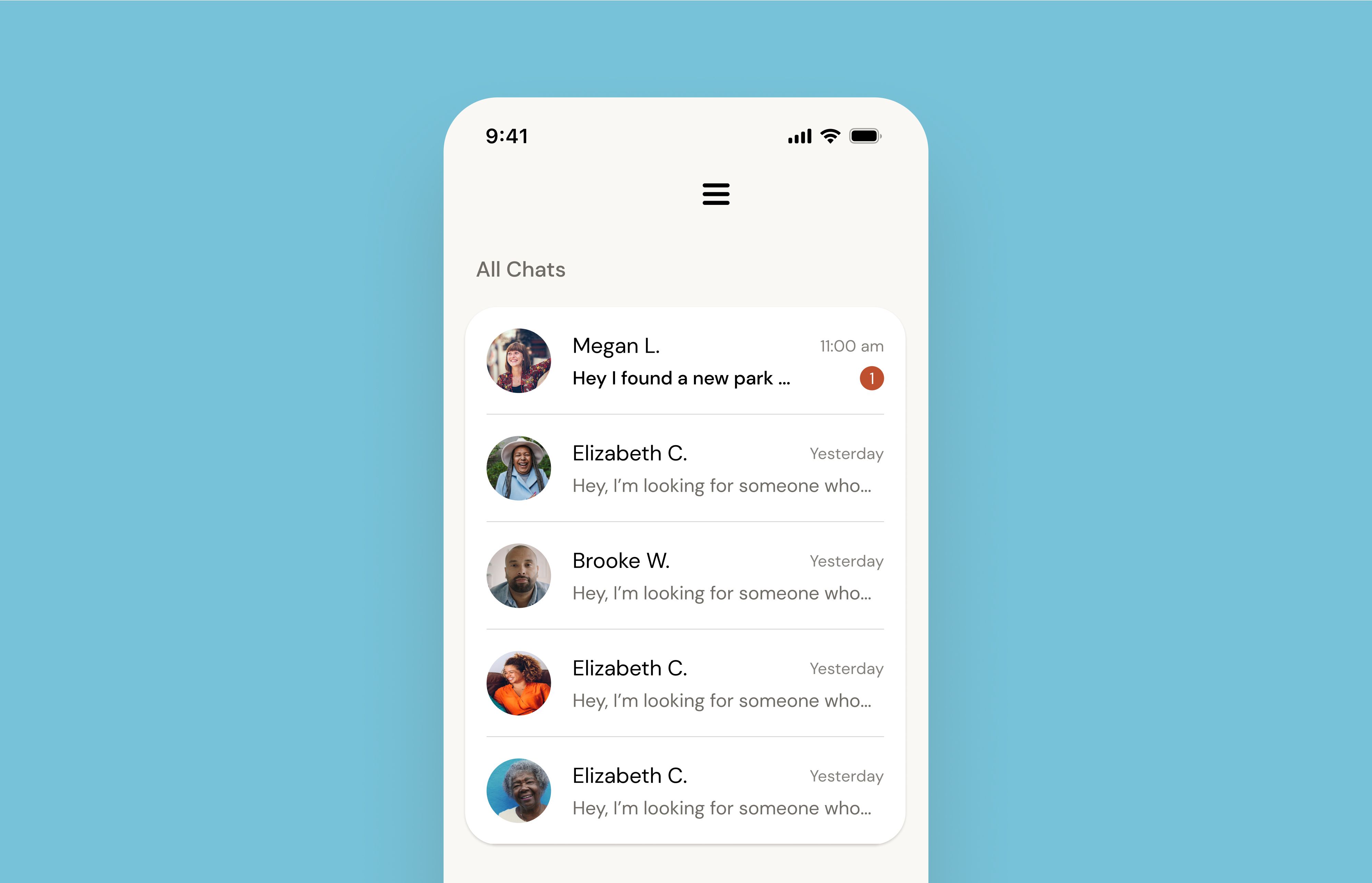
Once you start a conversation, you can find it again in Chats along with messages from applicants, current Helpers, and Helpers you’ve worked with in the past.
Not sure what to say? You can use the preset writing prompts to help start a conversation, or write your own message with questions about availability, experience, or your care needs.
From your chats, you can also schedule an interview or send a booking offer when you’re ready.
After you hire a Helper, keep using chats to coordinate schedules, share updates, and follow up about care.
Why keep communication and bookings on Herewith?
Keeping your conversations and bookings on Herewith helps protect both you and your Helper.
Helpers on Herewith are background checked, and care booked through the platform includes insurance coverage. Keeping everything in one place also gives you a record of your conversations, schedules, and care arrangements if you ever need to look back at them.
If you’re considering hiring someone privately, learn more about insurance when hiring a private caregiver and caregiver background checks before making a decision.
How do I report inappropriate content or behavior?
Safety is a priority on Herewith. Please report content that violates our community guidelines by emailing our customer support team at support@herewith.com or calling 415-506-9776.
For more information, please consult our Community Guidelines.
Still need help?
Call our Support team for further assistance.
Mon-Sat, 9AM-6:30PM PT- Call us at:
415-506-9776
- Send us an email
support@herewith.com





Herewith provides a platform to assist Helpers and care recipients in connecting regarding in-home non-medical care opportunities. Herewith does not employ any Helpers, nor does it recommend any Helpers and/or care recipients who use its platform. User information provided in profiles, posts, and otherwise on the Herewith platform is not generated or verified by Herewith. Each user of Herewith's platform is responsible for conducting their own vetting before determining whether to enter into an employment relationship and for their own conduct, including compliance with applicable laws.